

 Main Menu
Webinars and events
Explore upcoming live events and watch on-demand webinars to help you create and share great content with ScreenPal.
Upcoming live events
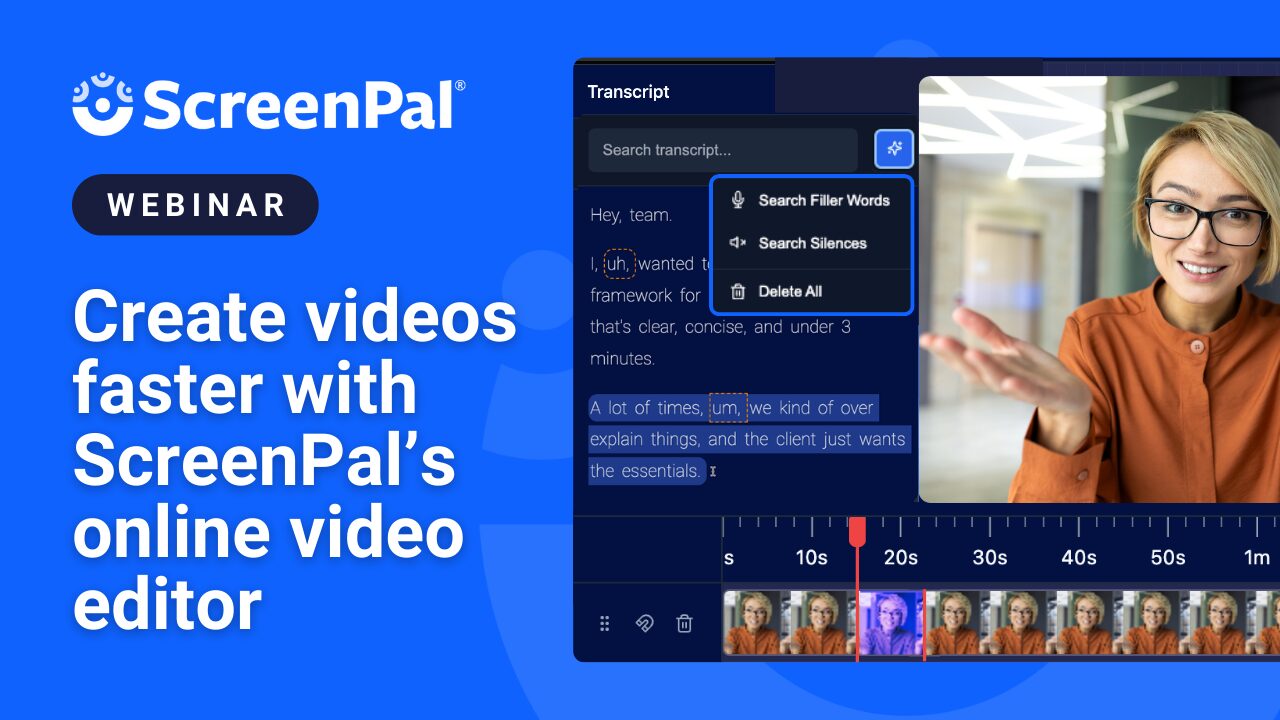
Ready to speed up your video workflow- start to finish? Join us for a focused walkthrough of ScreenPal’s online screen recorder and browser-based video editor. We’ll launch a recording directly from the Chrome extension, then move into the Online Video Editor to clean up footage using transcript-based editing, trim and polish clips, and apply AI tools to elevate your final video- no download required. We’ll explore time-saving features like removing filler content in a click, adding overlays and effects, and turning a polished edit into multiple formats for lessons, training, social media, and more. We’ll touch on script-to-video as an optional add-on, but our spotlight will stay on helping you record smarter and edit faster using your own footage. Whether you’re teaching, training, or creating content to share widely, you’ll leave ready to streamline your workflow- and spend more time on what matters most.
On-demand webinars
Getting started with ScreenPal

Getting Started with ScreenPal
Learn how to capture, create, share, and engage every learner- and earn your Level 1 certification! Watch the on-demand version of our live monthly training to get started with ScreenPal.
Creating tutorials with ScreenPal
Join members of the ScreenPal team as they share best practices and demo editing tips for creating tutorial videos. Take your skills to the next level—and earn your Level 2 certification in the process!

ScreenPal Ambassador
Share your passion for video! Host your own ScreenPal training and become a ScreenPal Ambassador. Gain recognition, exclusive perks, and join a vibrant community of video champions.
Expert-led sessions

Boost classroom engagement with ScreenPal and Wakelet
Join ScreenPal’s Sarah Eiler, EdTechNerds’s Destiny Wagner, and Wakelet’s Amy Kyle as they share how to boost classroom engagement using ScreenPal and Wakelet.

Reimagining EdTech: aligning vision with quality standards
Join Marlo Gaddis, retired CTO of Wake County Schools and CoSN board member, for an in-depth look at EdTech quality standards: safe, evidence-based, inclusive, usable, and interoperable.

Podcast with ScreenPal: amplify student creativity
Join EdTechBites host Gabriel Carrillo to explore how podcasting with ScreenPal can boost student creativity. Get practical tips on scripting, recording, and editing, plus insights on its impact in education.

Countdown to 2025: must-know video tips for engaging students
Join Dr. Monica Burns for a webinar on using video to personalize instruction, flip your classroom, and boost engagement. Get strategies for self-paced learning, differentiation, and family connections.

Meet Every Learner’s Needs
Join Robert Barnett and Rachel Zonshine for a webinar on strategies to help all students succeed. Learn practical, research-backed tools from Robert’s new book Meet Every Learner’s Needs.

Back to School with ScreenPal
Watch our 2024 Back to School webinars on demand, featuring 12 inspiring guests—including Matt Miller, Leslie Fisher, and Dee Lanier. Discover fresh ideas and practical tips for using ScreenPal!

SAVVY practices for ScreenPal: Fostering a culture of learning and support
Join Jornea Armant, former Microsoft Flip leader, for a dynamic webinar on how ScreenPal’s “Capture, Create, Share” approach and the SAVVY framework support learning and collaboration. Discover practical video strategies to boost engagement and build connected, inclusive classrooms.
Empowering teachers with ScreenPal
Join the ScreenPal team and EdTechNerds Destiny Wagner and Kris Thurston for a stress-free guide to video creation using the five pillars of their philosophy: efficiency, efficacy, mindfulness, creativity, and community.
How AI and ScreenPal are shaping the future of accessible education
Want to create inclusive, engaging content—fast? Learn how ScreenPal’s AI tools make it easy to add captions, translations, and voiceovers while following accessibility best practices. Ideal for K–12 and higher ed educators looking to save time and support every learner.
Smarter learning, better feedback: Using ScreenPal for assessment in the new year
Streamline feedback and boost student engagement with actionable strategies using ScreenPal’s latest features. Learn how to embed questions into videos, give time-saving feedback with the Chrome extension, and support learning across any instructional setting.
AppSmash magic: Bring stories to life with Book Creator + ScreenPal
Unlock the power of student voice and creativity with Book Creator and ScreenPal! In this inspiring session, you’ll learn how to embed video into digital books, support storytelling, and empower learners through voice, visuals, and choice.
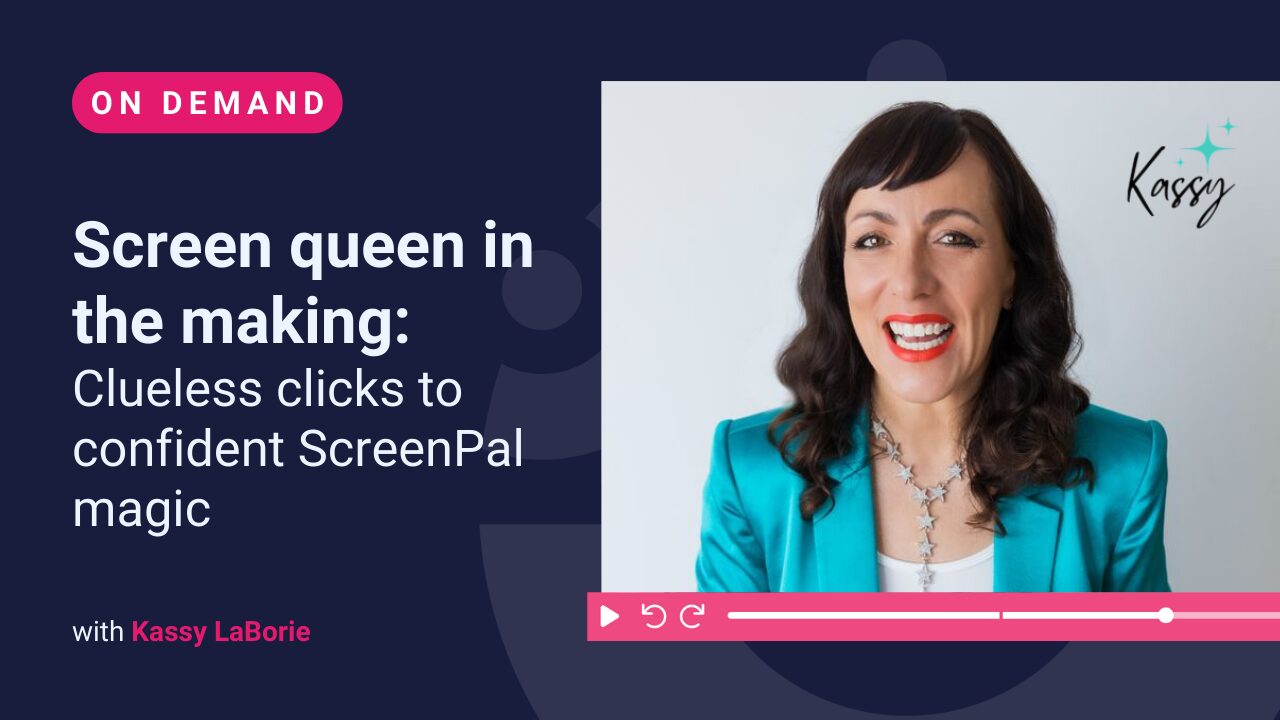
Screen queen in the making: Clueless clicks to confident ScreenPal magic
Join Kassy LaBorie as she shares how pressing “record” with zero experience evolved into polished, confident video creation.
In this quick, upbeat session, Kassy reveals the lessons, experiments, and mindset shifts that helped her grow on screen — and how anyone can do the same.
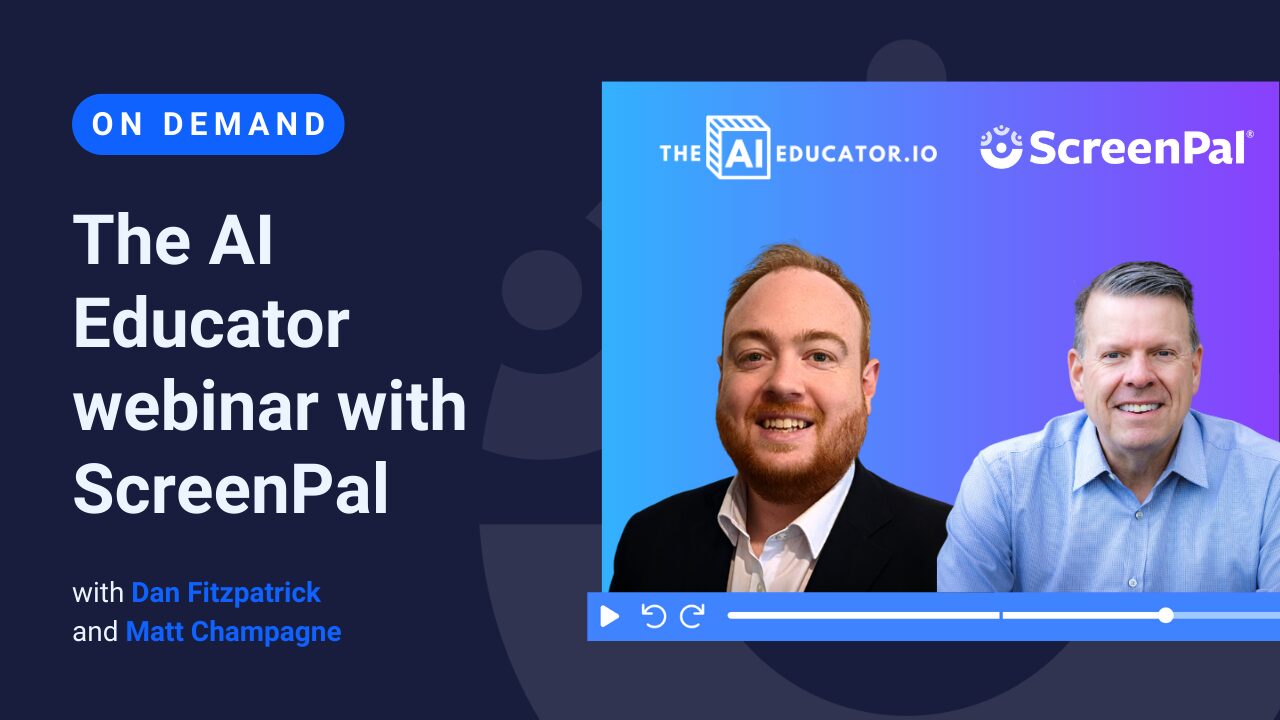
The AI Educator webinar with ScreenPal
Join Dan Fitzpatrick, The AI Educator, for an on-demand conversation with ScreenPal CEO Matt Champagne exploring how educators are using AI-powered video to save time, improve accessibility, and deliver clearer feedback at scale. You’ll see a practical demo of ScreenPal in action, with a focus on accessible video creation, student-centered learning, and simple AI tools educators can start using right away.
Product demos and trainings

Save time and improve accessibility with ScreenPal AI
Join ScreenPals Ben and Sarah as they explore new ScreenPal AI features including auto-generation of titles, summaries, chapters, captions, quizzes, and translations.
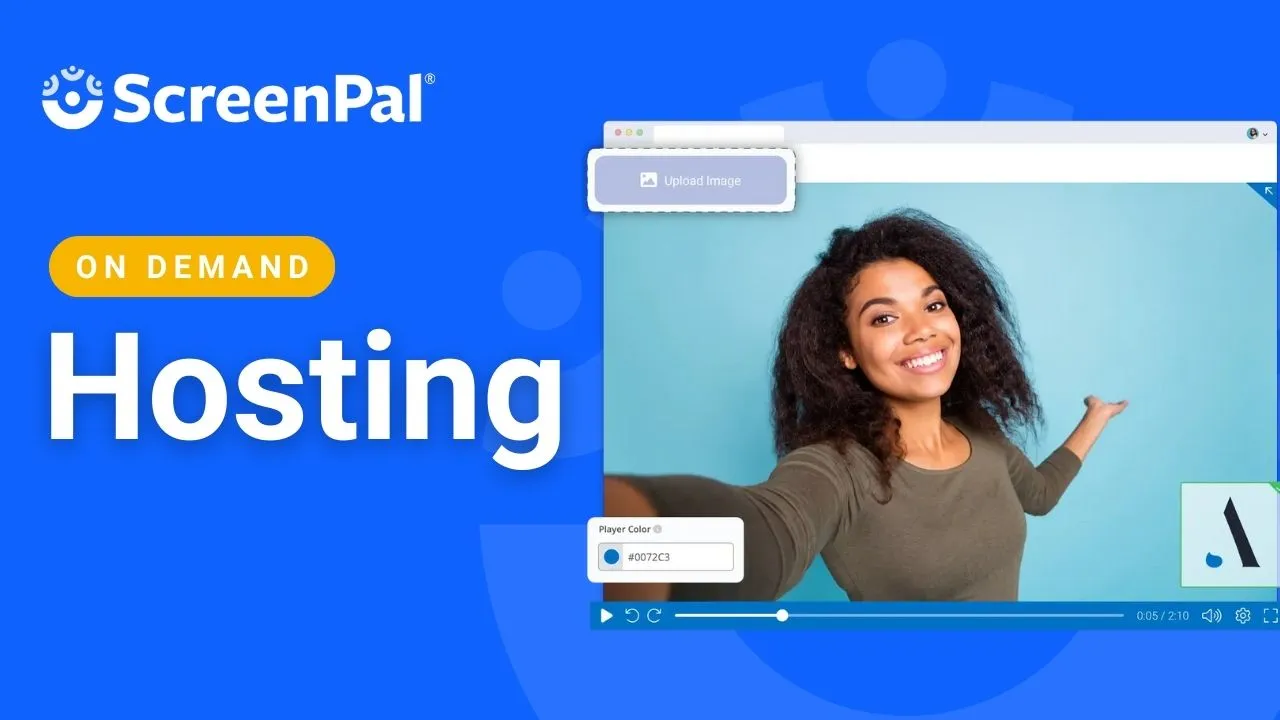
ScreenPal Hosting
Learn how to host, manage, and share interactive content with ScreenPal. Explore CTAs, customization & branding, and embedding videos and quizzes.

Reach every learner with AI-powered accessibility and inclusion
Join ScreenPal’s Ben and Sarah to explore AI-powered tools that make learning more accessible. Learn how to use captions, translations, and text-to-speech to create inclusive educational content.

Save time and increase knowledge sharing with ScreenPal AI
See how to use ScreenPal’s AI tools to improve video accessibility, increase learner engagement through AI-generated quizzes and polls, and ensure your training materials are available in multiple languages – all automatically.
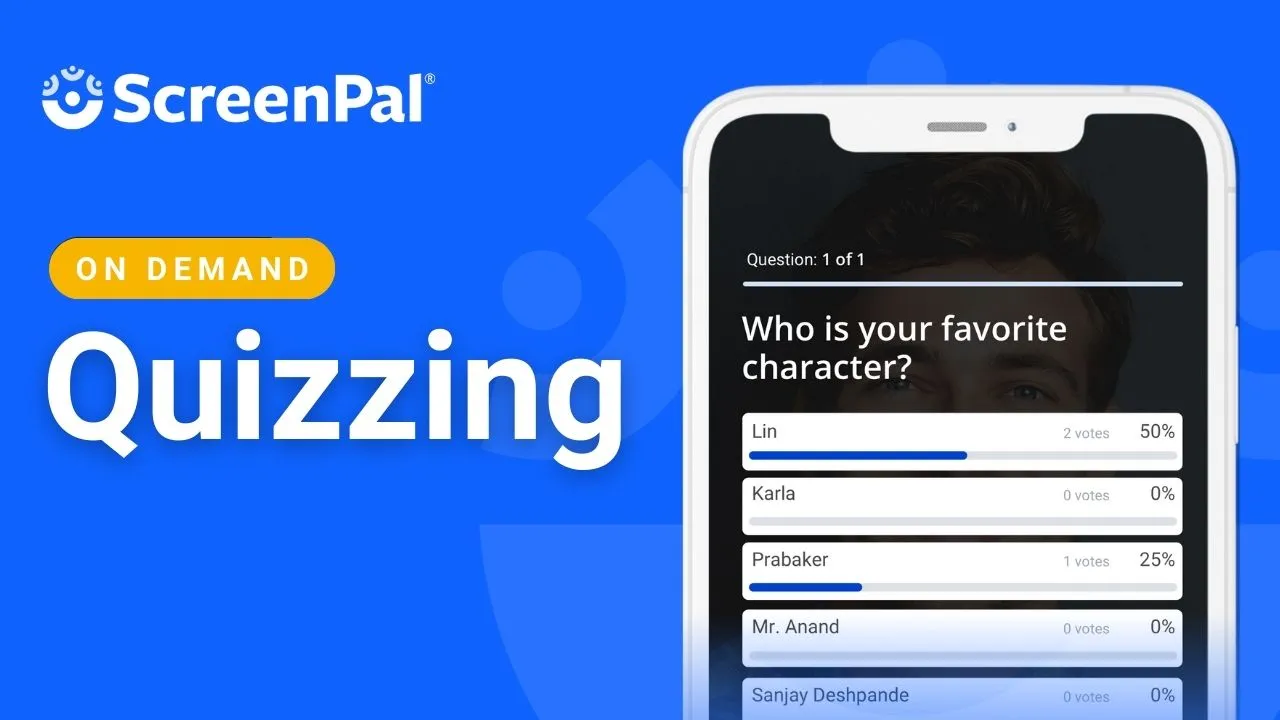
ScreenPal Quizzing
Ready to increase engagement on your videos? Find out how to add questions, polls, and ratings in our on-demand, live webinar on ScreenPal Quizzing.
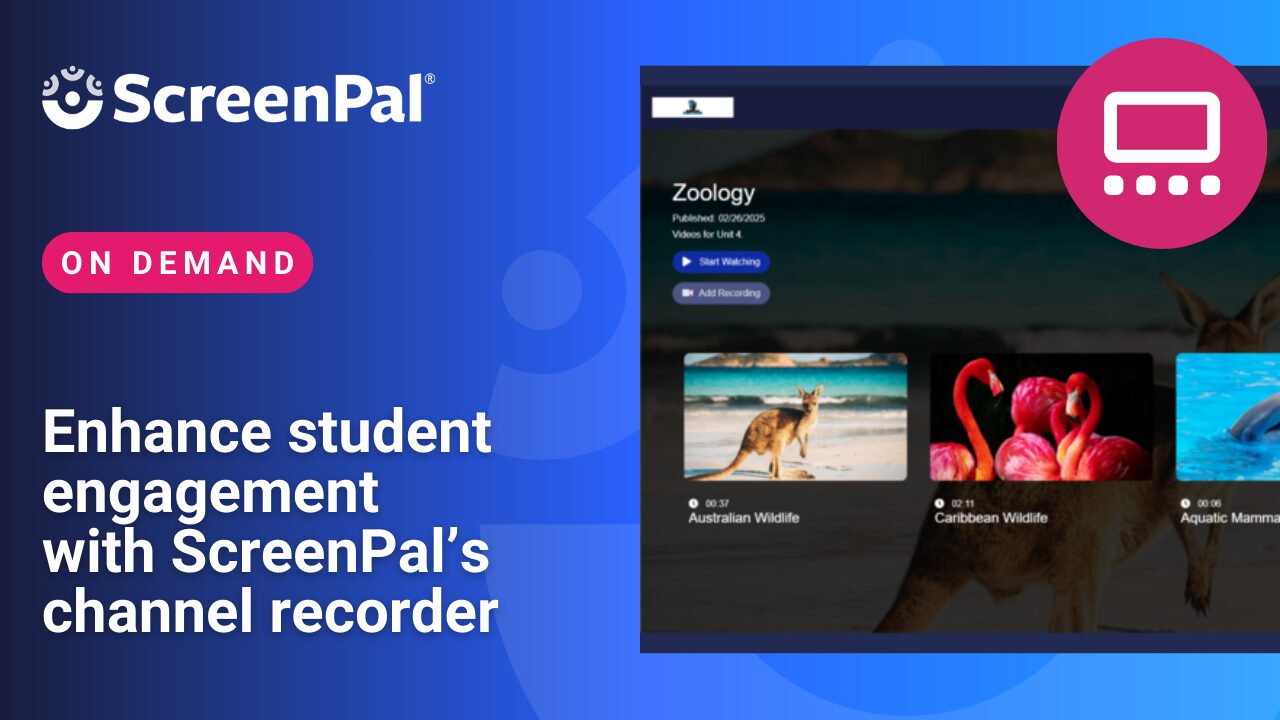
Enhance student engagement with ScreenPal’s channel recorder
A webinar introducing ScreenPal’s new, online Channel Recorder and showcasing different use cases for educators to enhance learning experiences through video responses.
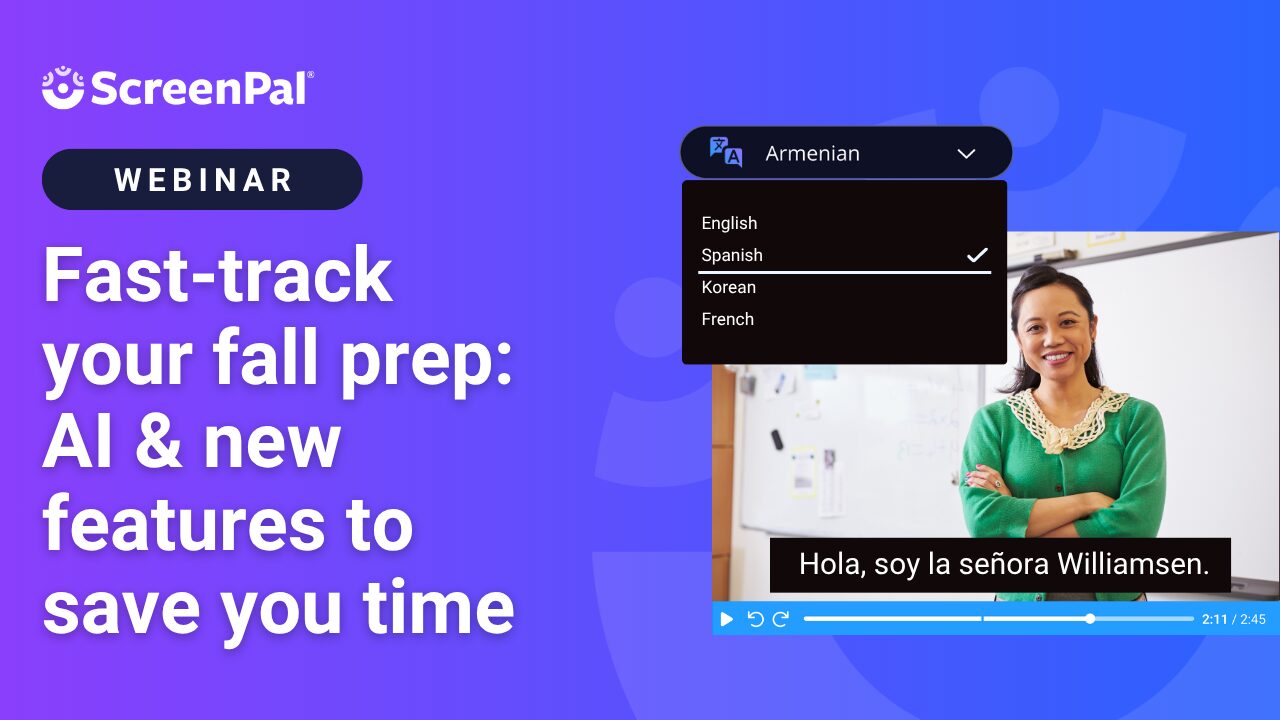
Fast-track your fall prep: AI & new features to save you time
See how ScreenPal’s newest featuress—including AI tools—can help you save time, streamline your workflow, and create engaging content with ease. Discover time-saving tricks with our Chrome extension and explore updates that make video feedback and assessment even more efficient.
Explore additional video tutorials
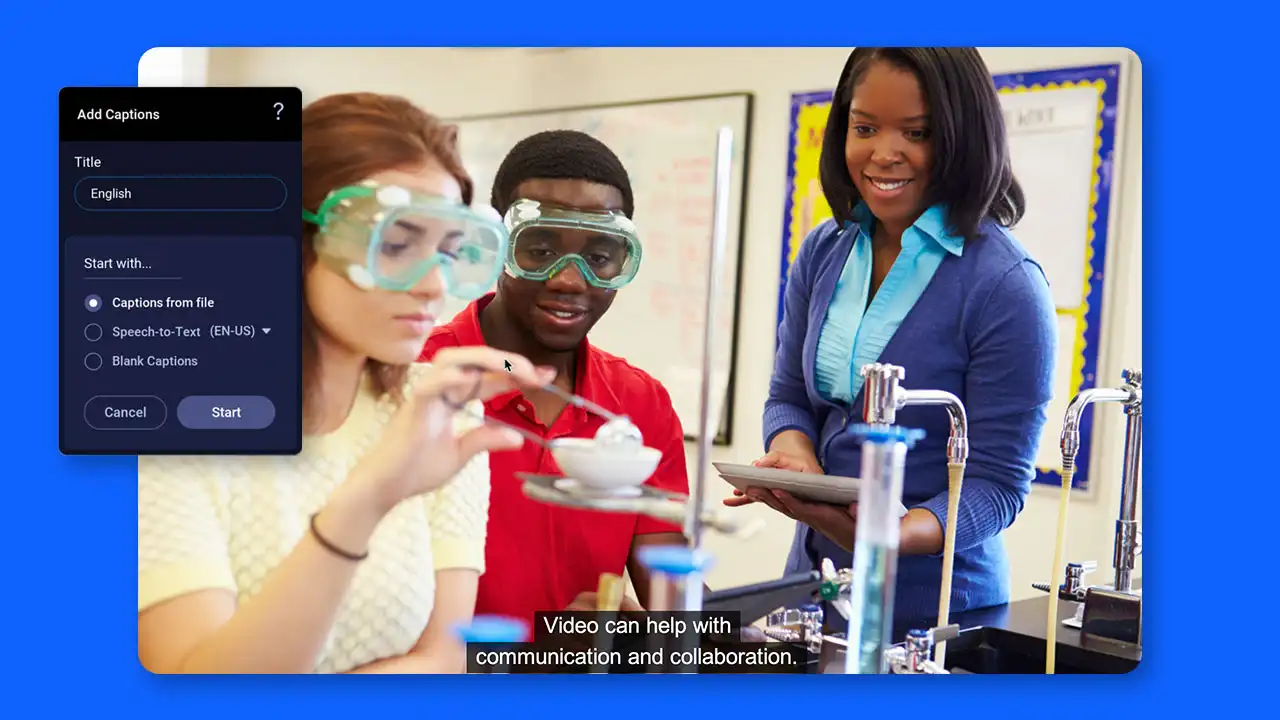
Easy video guides
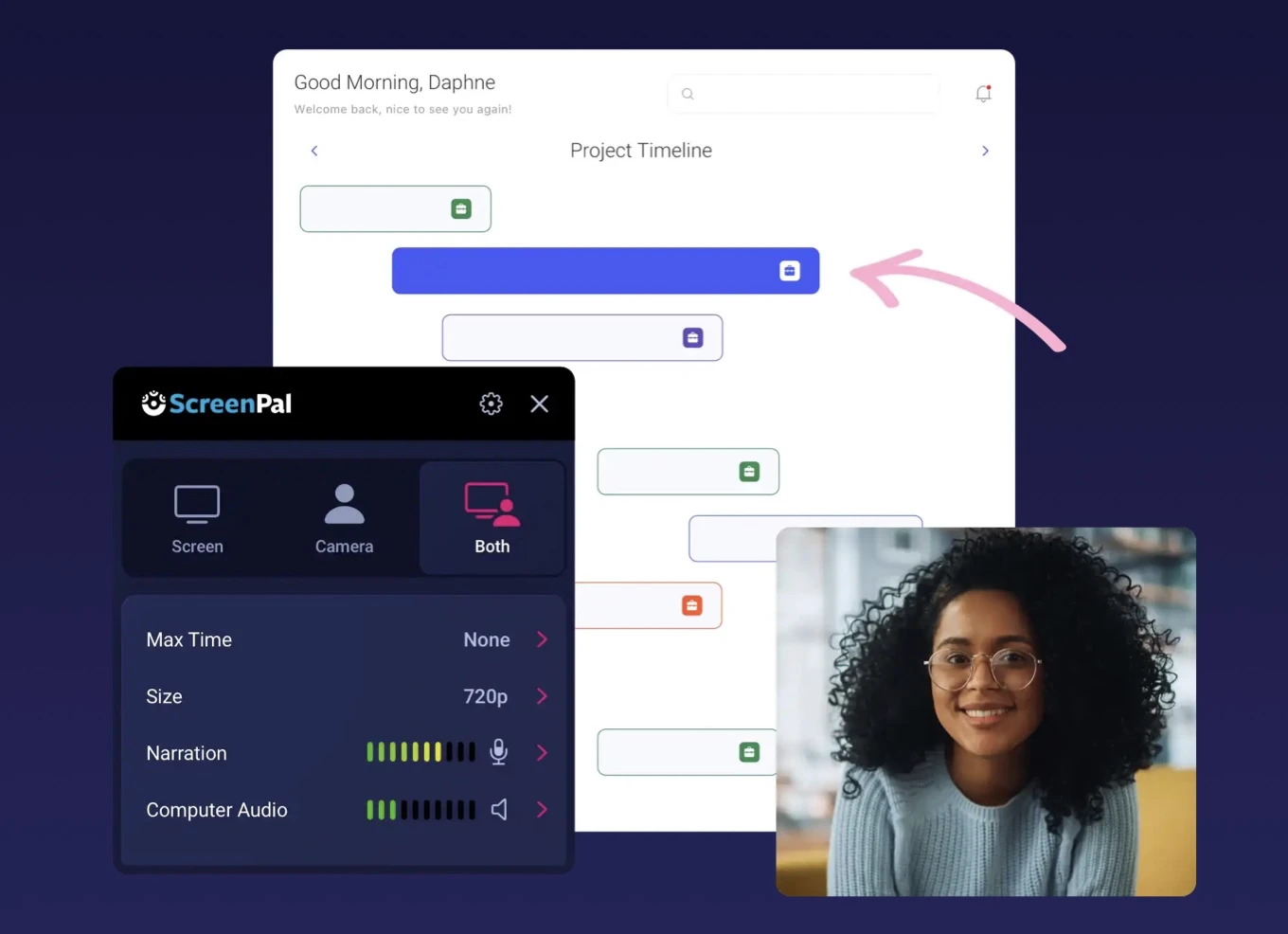
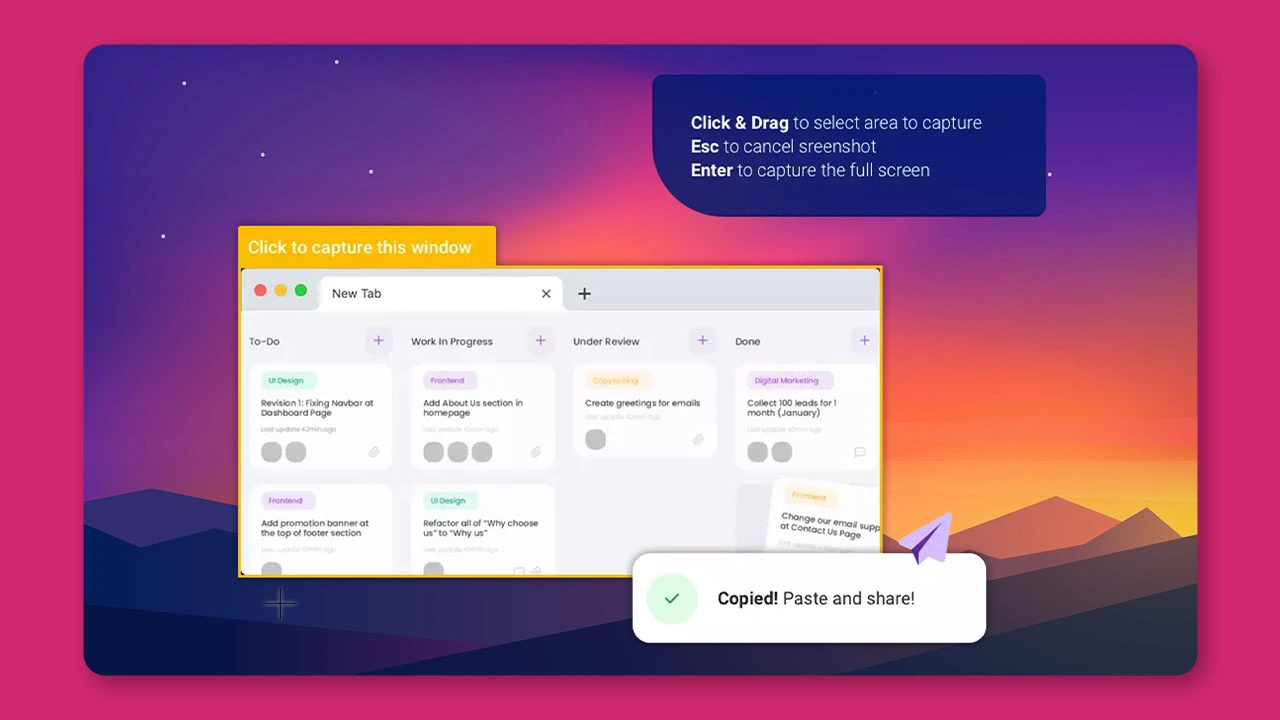
A step-by-step process on how to start using our free screen recorder.
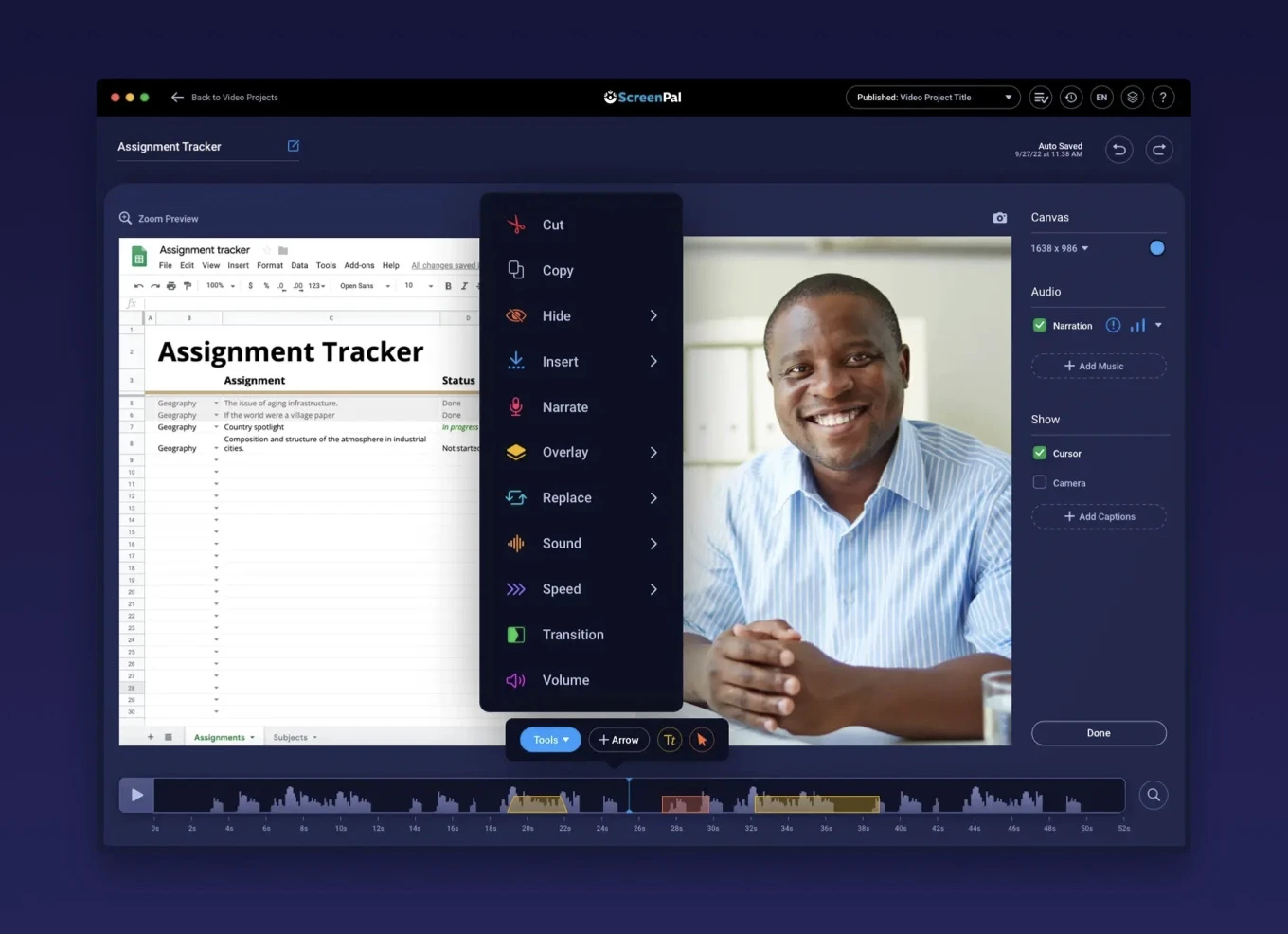
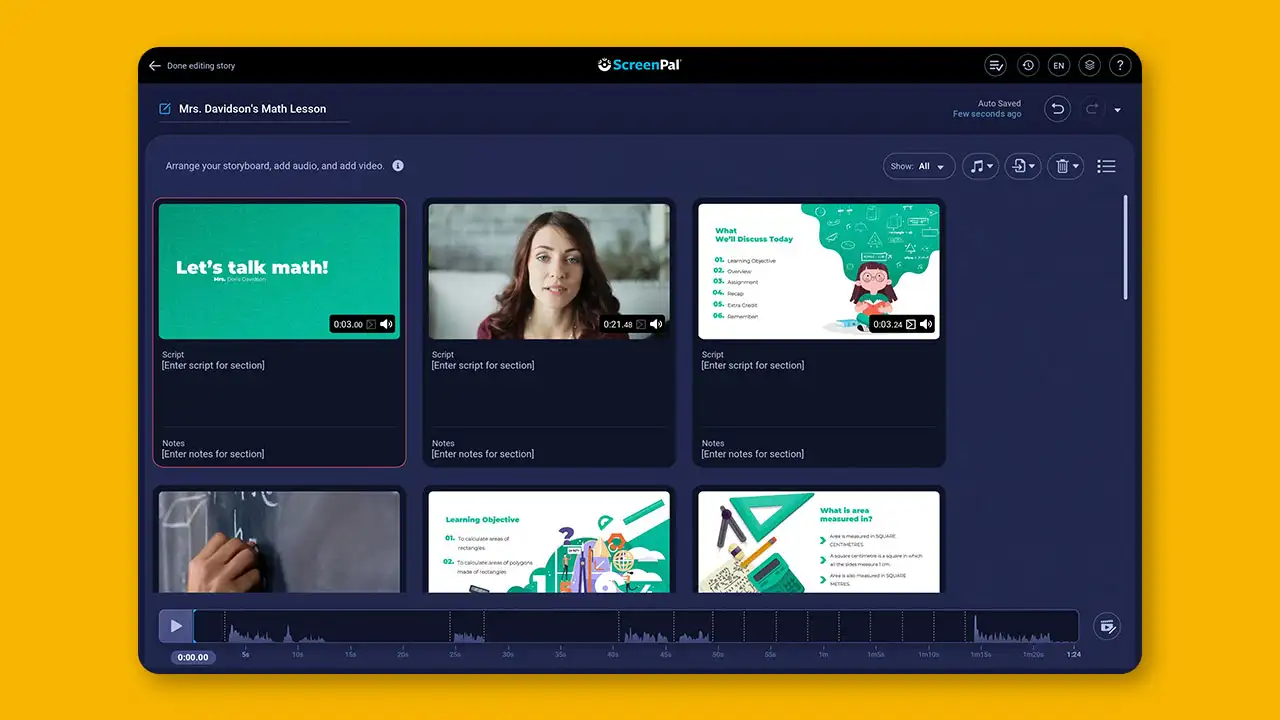
The video editor has all you need to enhance your videos. Here’s a quick guide to get started.